
Enhancements to the MyKuvare Experience
Effective November 24, MyKuvare.com is receiving enhancements designed to create a faster, more efficient experience for back-office and support users.
You should notice faster page-load speeds, particularly when working with users and agents with larger books of business. These enhancements provide a faster, more responsive experience as you navigate user and agent information.
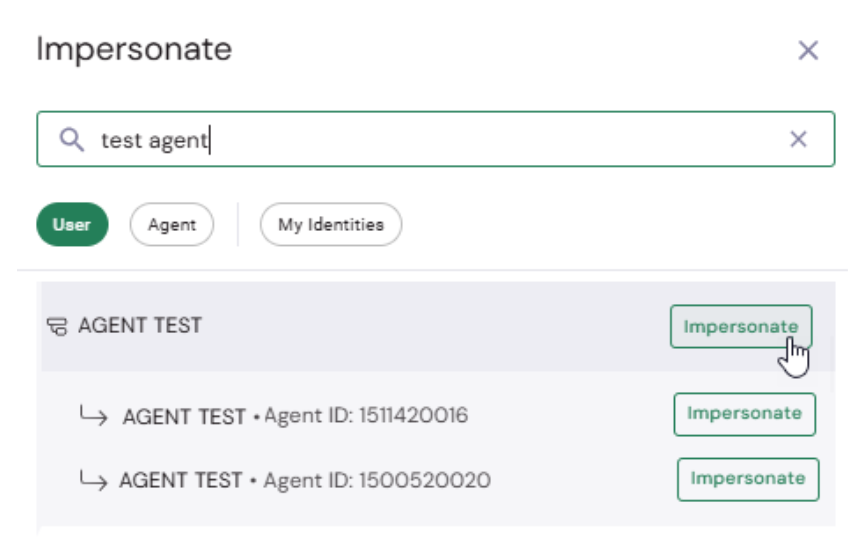
You will now navigate to the Impersonation Tool through the View As selection. It allows authorized back-office and support users to view MyKuvare from another user’s or agent’s perspective.
Using View As
View As provides different options based on the information you need.
User
Recommended for back-office staff.
Offers both individual or combined view of all agent IDs associated with the selected agent name.
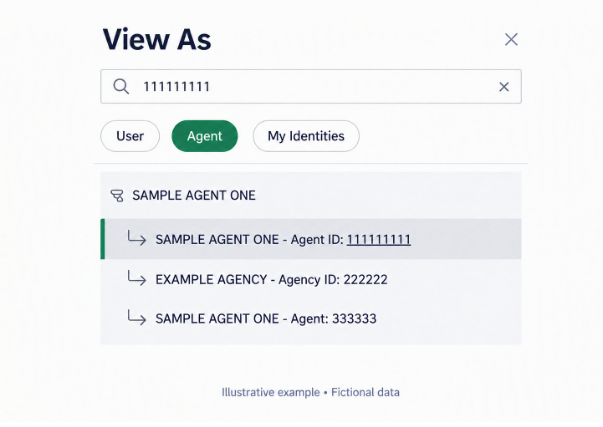
Agent
For looking up a specific agent.
Select Agent when you need to perform a direct lookup. This option allows you to search for a specific person or agent number and view the contracting relationships associated with that agent.
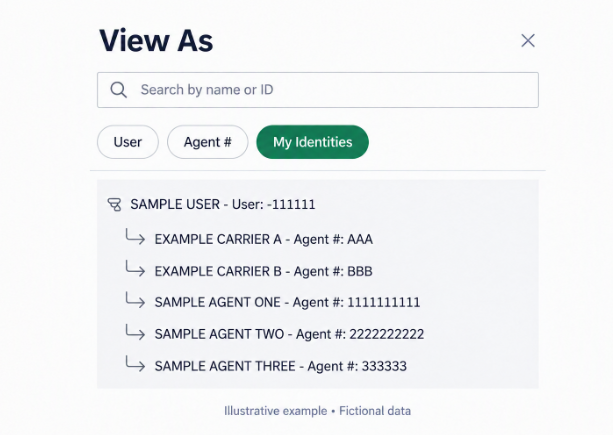
My Identities
For viewing your associated agents and agencies.
Select My Identities to view the agents and agencies associated with your User account. Choose an identity to access MyKuvare at the corresponding appointment level.